
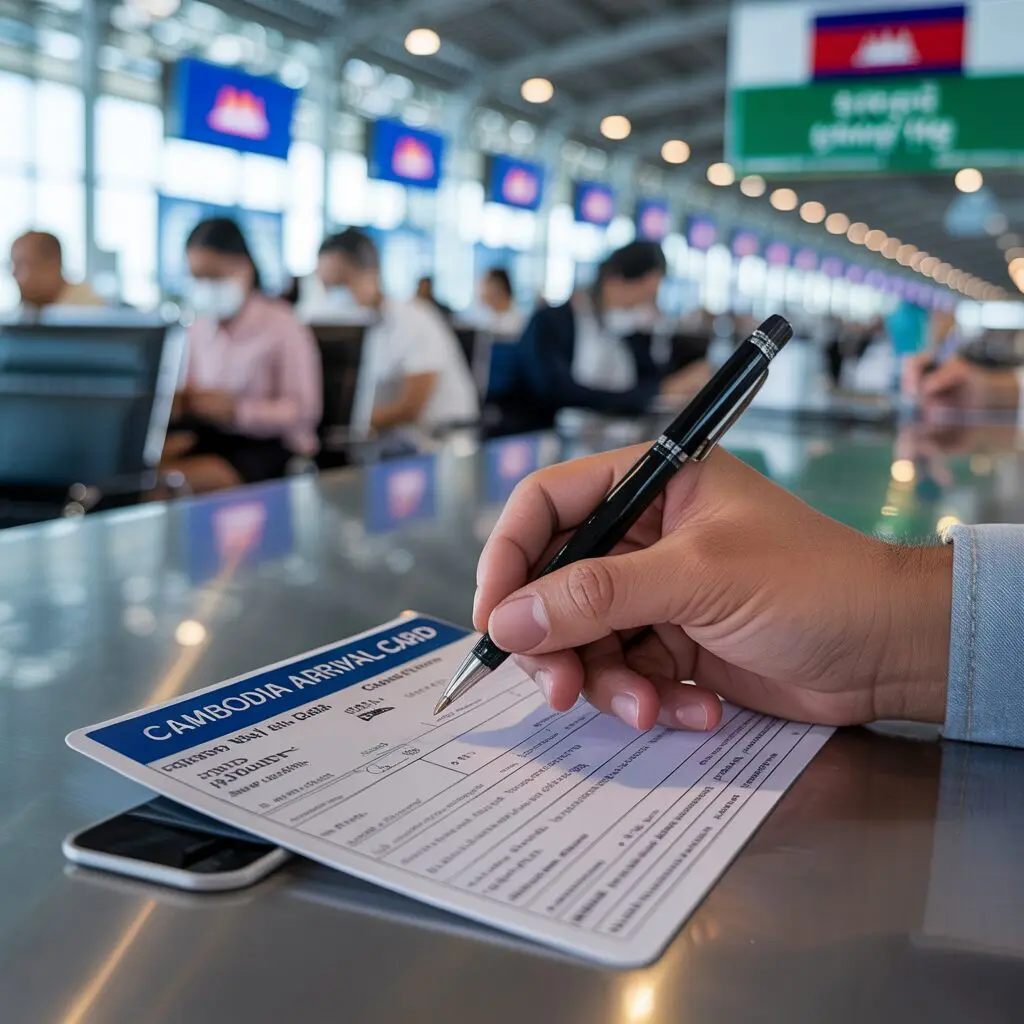
Filling out the Cambodia Arrival Card online takes approximately 10-15 minutes. This step-by-step guide walks you through every section of the official arrival.gov.kh form so you can complete it without errors.
Before You Start – Documents Needed
- Valid passport (recommended 6+ months validity)
- Digital passport-style photo (face only, plain background)
- Scan or photo of your passport data page
- Flight number and arrival date
- Accommodation details (hotel name, phone, province)
- Email address and phone number
- Cambodia e-Visa number (if already obtained)
For the full checklist, see Cambodia Arrival Card requirements.
Step 1 – Access the Official Portal
Go to https://arrival.gov.kh/ or download the official Cambodia e-Arrival app. The Cambodia Arrival Card online portal is free. Avoid third-party sites that charge fees.
Step 2 – Click “Submit e-Arrival”
Click the Submit e-Arrival button. Choose Sign In Without Account to proceed as a guest.
Step 3 – Upload Your Photo
Upload a clear passport-style photo: face only, plain background, no sunglasses or hats, good lighting. JPEG or PNG format.
Step 4 – Passport Information
Enter exactly as in your passport: passport number, issuing country, passport type, expiry date, surname. Every detail must match exactly.
Step 5 – Personal Information
First name and middle name(s), gender, date of birth, country of birth, occupation.
Step 6 – Upload Passport Data Page
Upload a clear scan or photo of the biographical page of your passport. All text must be legible.
Step 7 – Contact Details
Phone number with country code and email address. Your QR code confirmation will be sent here.
Step 8 – Visa Information
If you have a Cambodia e-Visa, enter the number. If getting Visa on Arrival, leave unchecked. If visa-exempt, select the appropriate option. See Cambodia Visa on Arrival options.
Step 9 – Arrival and Departure Dates
Enter your planned arrival date (must be within 7 days of submission) and departure date from Cambodia.
Step 10 – Travel Details
Port of entry (Phnom Penh or Siem Reap), travel purpose (Holiday, Business, Transit), air transport type (Commercial), flight number.
Step 11 – Accommodation Details
Accommodation type, hotel name, contact phone, province. For multiple accommodations, use your first night’s hotel.
Step 12 – Travel Route
City you are arriving from and your next destination after Cambodia.
Step 13 – Health Declaration
Answer health questions honestly regarding current symptoms.
Step 14 – Customs Declaration
Review duty-free allowances, declare any items exceeding limits, check the confirmation box.
Step 15 – Review and Submit
Review all information carefully. Submit to receive your QR code confirmation by email. Save it – you will present it at Cambodia immigration on arrival.
Frequently Asked Questions
How long does it take to fill out the Cambodia Arrival Card?
Approximately 10-15 minutes if you have all documents ready. Allow extra time for photo uploads.
Can I edit the Cambodia Arrival Card after submitting?
You can submit a new application if you made significant errors. Contact the official portal at arrival.gov.kh for assistance.
Do I need to print the Cambodia Arrival Card?
No. The QR code on your phone screen is sufficient for immigration. A screenshot as backup is recommended.
What if my flight details change after I submit?
If your arrival date or port of entry changes, submit a new e-Arrival Card with the updated information within the 7-day window.
Can I use the mobile app instead of the website?
Yes. The official Cambodia e-Arrival mobile app (iOS and Android) works the same as the website and is completely free.